

Osmose Vector Tile Format
(OMVT)
The Osmose Vector Tile Format is a highly
optimized and compact landbase format that may be used as an offline
backdrop for utility structure placement and editing
operations.
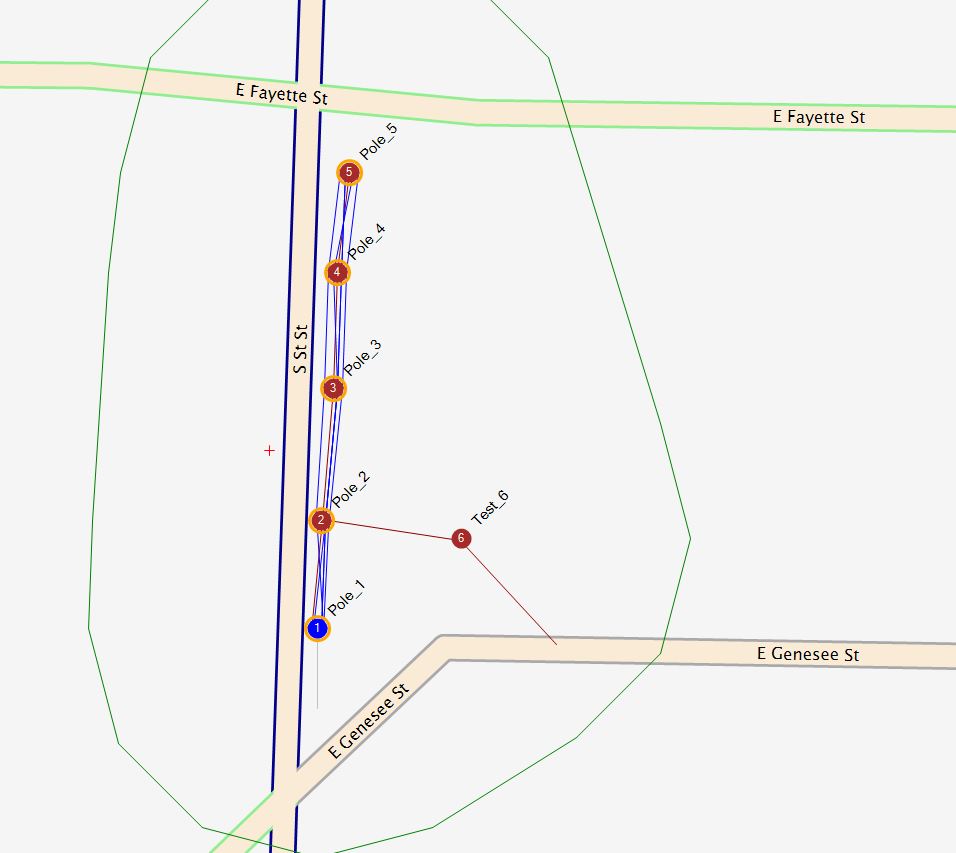
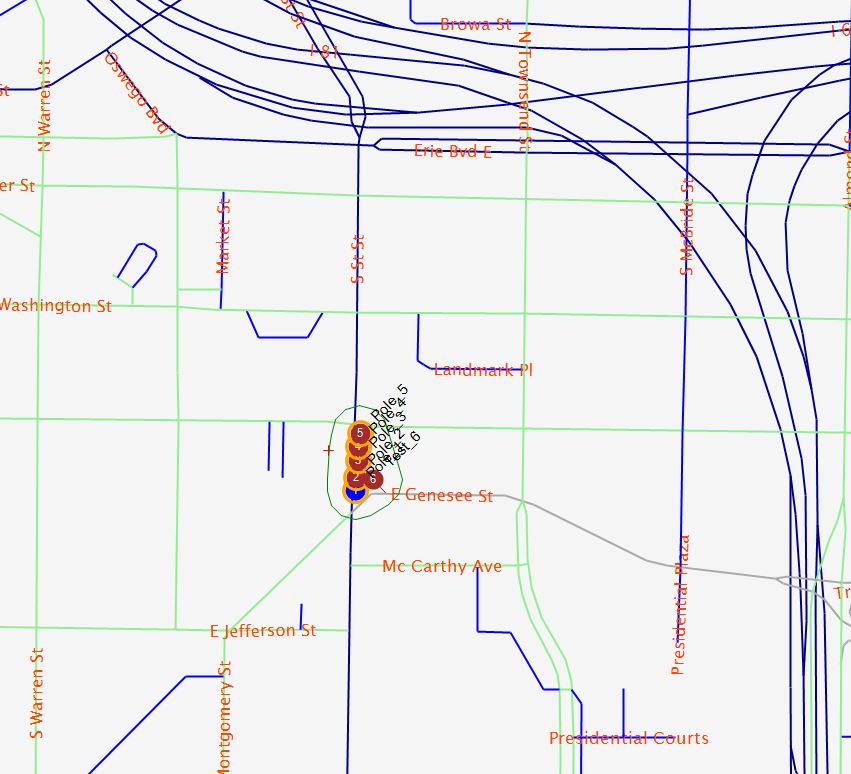
To install OMVT data onto your local computer or
intranet follow the steps below:
- Download https://cods.osmose.com/ClickOnceDeploymentFiles/OCalc/OMVT/OMVT.zip and save to a known temporary location.
- Un-Zip the contents of the OMVT.zip archive to the desired
destination folder on you local computer or intranet.
- Open O-Calc Pro and switch to the "Line Design" Pane
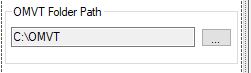
- On the "Maps" tab click the ellipsis button in the "OMVT
Folder Path" section and select the folder from step 2 above.
- Check the box marked "Display OMV Tiles"

- The system wil now display the OMVT landbase.
- You can use the "View" menu item on the main Landbase tab to a
specific geo location.